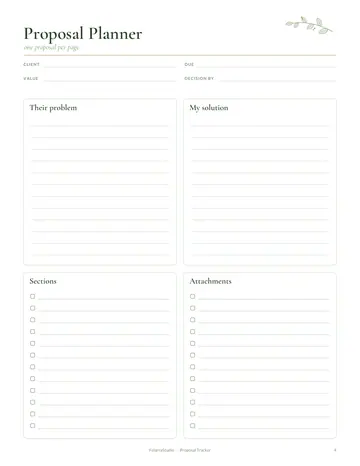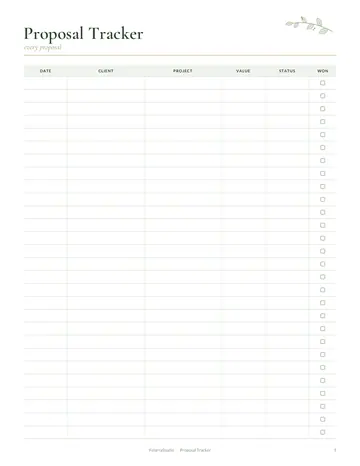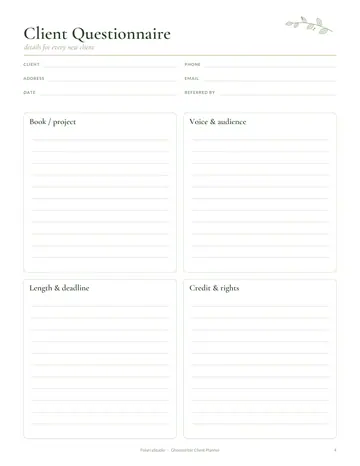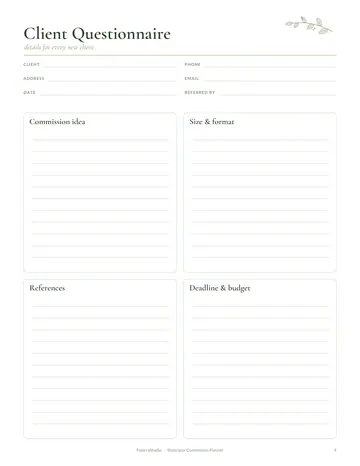

What's inside the virtual assistant planner
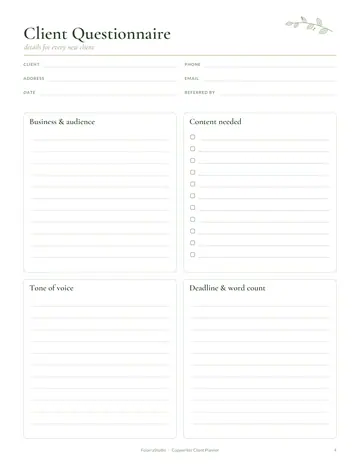
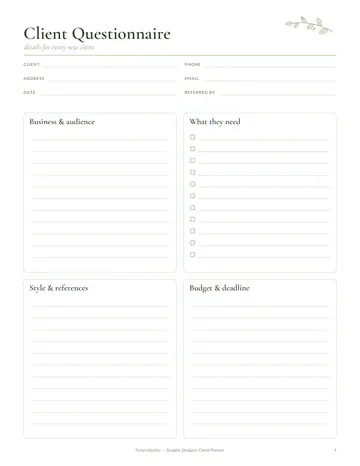
- Client Onboarding
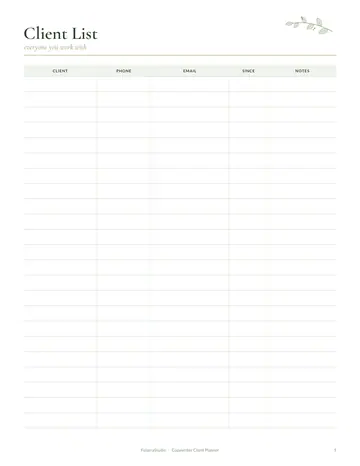
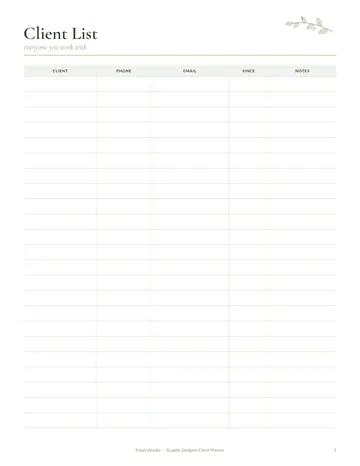
- Client Profiles
- Client Task List
- Hours Log
- Recurring Tasks
- Weekly Plan
- Services & Packages
- Invoice Tracker
- Income & Expenses
- Yearly Overview
- Notes
See every page
All 15 pages of the US Letter version, exactly as they print. Tap a page to see it larger.
- 1. Cover
- 2. This Planner Belongs To
- 3. Contents
- 4. Client Onboarding
- 5. Client Profiles
- 6. Client Task List
- 7. Hours Log
- 8. Recurring Tasks
- 9. Weekly Plan
- 10. Services & Packages
- 11. Invoice Tracker
- 12. Income & Expenses
- 13. Yearly Overview
- 14. Notes
- 15. Thank you page
Who this virtual assistant planner is for
This planner is for virtual assistants and online business managers supporting several clients at once. It suits new VAs landing their first retainers and experienced assistants juggling different tools, deadlines and time zones. Clients value reliability above all, and this planner helps you keep track of every task, every hour and every invoice without anything falling through the cracks.
How to use your virtual assistant planner
Welcome each new client with the onboarding page, covering access, tools and communication preferences. Build a profile for each client and keep their task list current. Log hours daily for accurate billing. List recurring tasks, such as weekly emails or monthly reports, so they are never missed. Plan your week across all clients. Define services and packages, track invoices until paid, record income and expenses and review your year.
Formats included
A4 PDF
For printing in most of the world (210 × 297 mm).
US Letter PDF
For printing in the US and Canada (8.5 × 11 in).
Digital PDF
Hyperlinked tabs for tablets and PDF annotation apps.
Ready to start?
Free downloadVirtual Assistant Planner questions
Can I track hours for each client?
Yes. Use the hours log. Look for the "Client Onboarding" and "Client Profiles" pages in the 15-page virtual assistant planner. Print the A4 or US Letter PDF as often as you need, or write in the digital version on a tablet.
Is there a list for recurring tasks?
Yes. It keeps weekly and monthly tasks from being missed. Look for the "Client Task List" and "Recurring Tasks" pages in the 15-page virtual assistant planner. Download it free, print only the pages you need and add more copies of any page later.
Can I offer packages?
Yes. There is a services and packages page. Look for the "Services & Packages" page in the 15-page virtual assistant planner. Every page is undated, so you can start any day and reprint a page whenever it fills up. Download it free, print only the pages you need and add more copies of any page later.
Is the Virtual Assistant Planner really free?
Yes, the Virtual Assistant Planner is completely free for personal use. Download the 15-page PDF without an account or email address, print it at home as often as you like and share the page link with friends. Matching bundles on our Etsy shop are optional and paid; this single planner stays free.
What size is the Virtual Assistant Planner?
The Virtual Assistant Planner comes in A4 (210 x 297 mm) and US Letter (8.5 x 11 inches), plus a hyperlinked digital PDF for tablets. Choose the file that matches the paper in your printer and print at Actual size or 100%, so nothing is cut off. Both paper sizes have the same 15 pages.