Guide · 6 min read
A4 vs US Letter: Which Planner Size Should You Print?
A4 is the international paper size defined by ISO 216, at 210 x 297 mm. US Letter is the North American size, at 8.5 x 11 inches (215.9 x 279.4 mm). A4 is narrower and about 18 mm taller, so always print the planner file that matches the paper in your printer.
A4 vs US Letter explained: exact sizes, which countries use each one, how to tell which paper you have and why the matching planner file prints cleaner.

If you have ever downloaded a printable and wondered why it offers two versions, you are not alone. A4 and US Letter are the two most common paper sizes in the world, and they look almost the same at a glance. But the small difference between them is exactly what causes cut-off edges, odd margins and pages that look slightly shrunk. This guide explains what each size is, where it is used, and how to choose the right planner file every time.
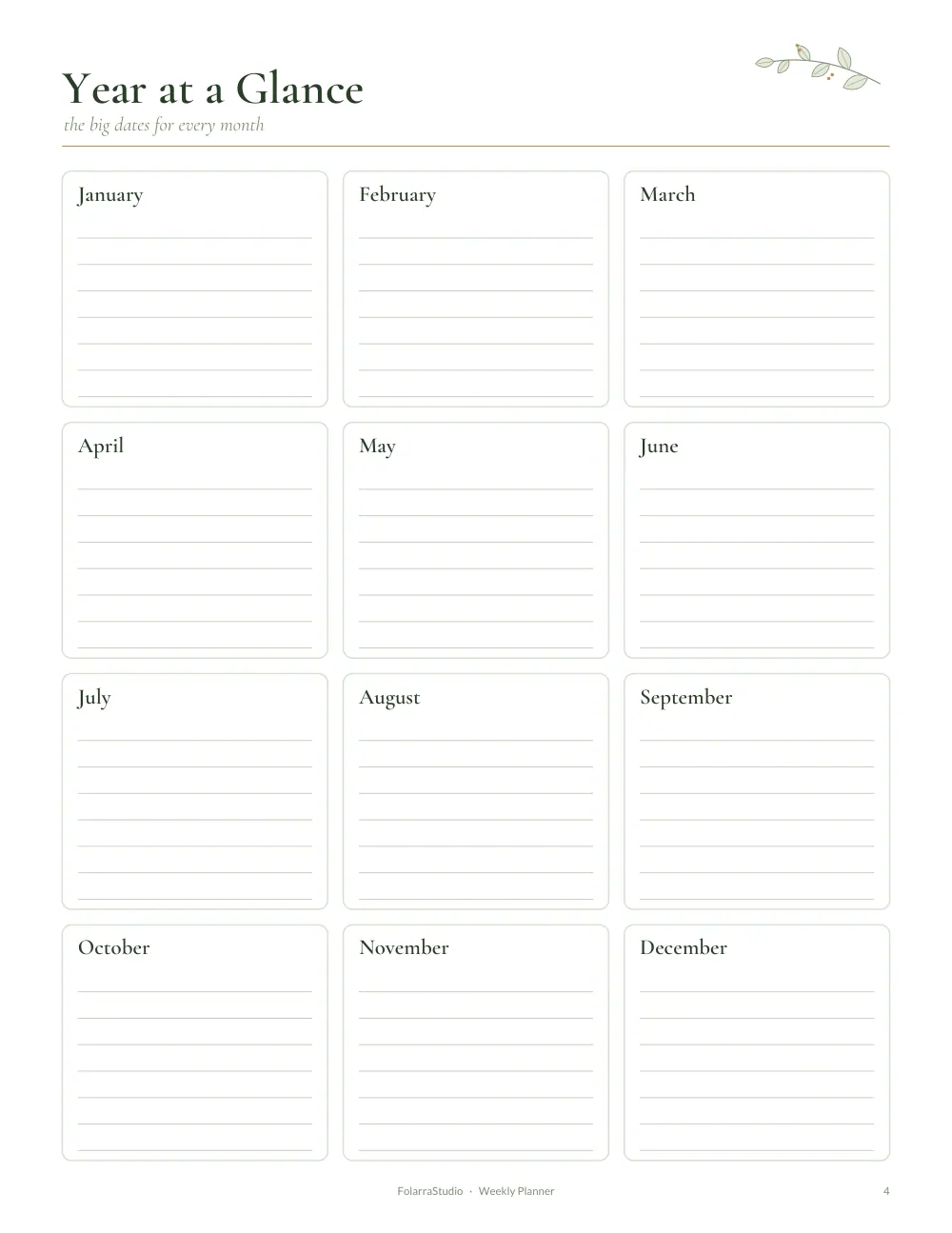
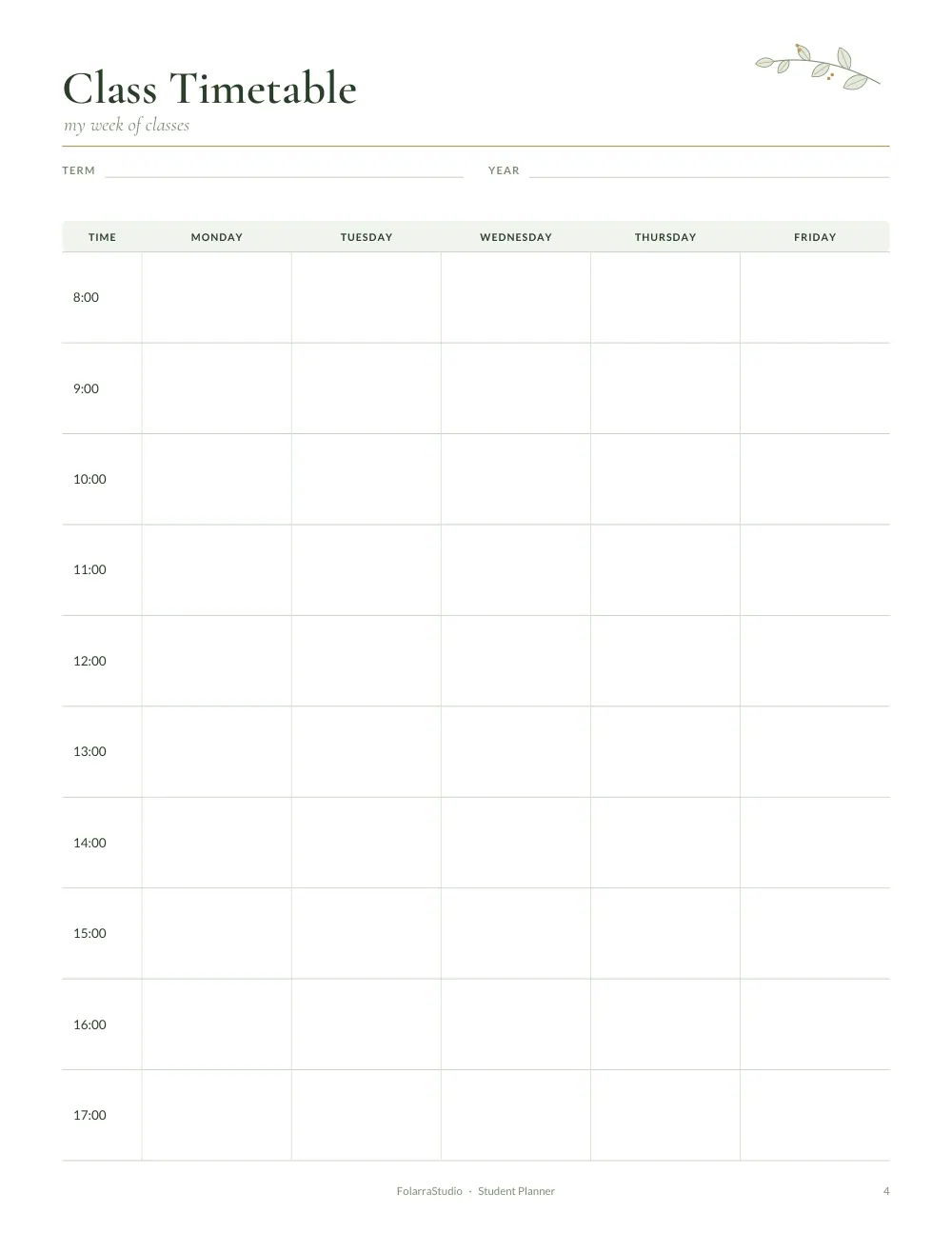
The two sizes at a glance
- A4 measures 210 × 297 mm, or about 8.27 × 11.69 inches.
- US Letter measures 215.9 × 279.4 mm, or exactly 8.5 × 11 inches.
So A4 is a little narrower and noticeably taller, while US Letter is a little wider and shorter. The difference in height is about 18 mm, roughly three-quarters of an inch. That might not sound like much, but on a planner page with lines and boxes laid out carefully, it matters.
Where is each size used?
A4 is part of an international standard used in almost every country. If you live in the United Kingdom, Europe, Pakistan, India, the Middle East, Africa, Australia, New Zealand or most of Asia and South America, your printer paper is almost certainly A4.
US Letter is the standard in the United States and Canada, and it is also common in Mexico, the Philippines and a few other countries. If you buy paper at an office supply store in North America, it will be Letter unless the packet says otherwise.
The quickest way to check is to look at your paper packet. It will say "A4" or "Letter" (sometimes "8.5 x 11"). You can also measure a sheet: if it is 11 inches tall, it is Letter, and if it is just under 11.7 inches tall, it is A4.
Why does the matching file matter?
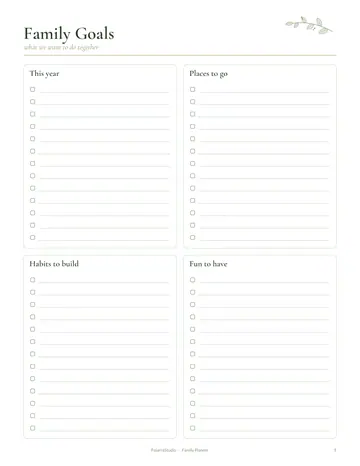
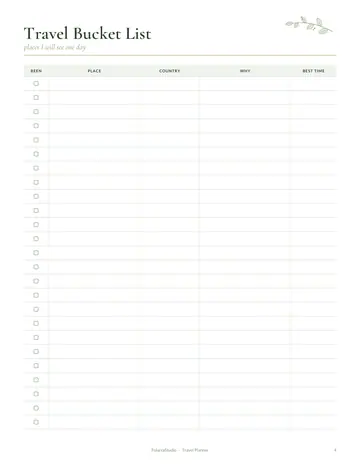
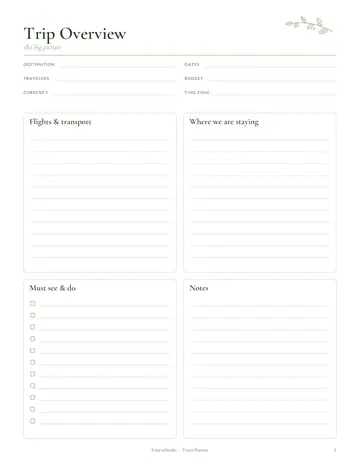
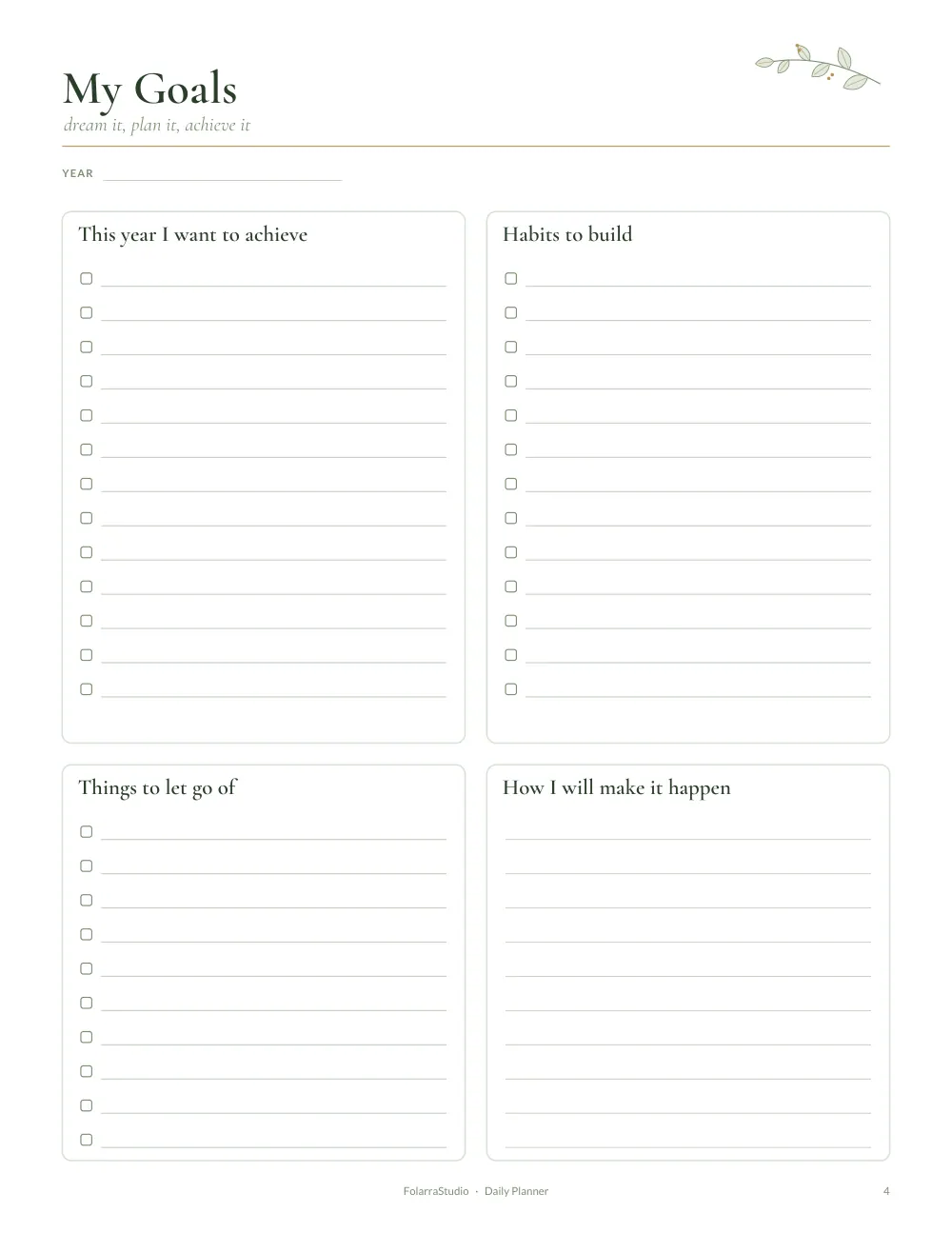
Every FolarraStudio planner is designed separately for each size, rather than simply stretched. On the A4 version, the extra height is used for a few more lines or a slightly taller box. On the US Letter version, the extra width gives columns a little more room. When you print the file that matches your paper, everything lines up exactly as designed.
When the file and paper do not match, your printer has to make a choice. It either shrinks the page to fit, which leaves uneven white borders and smaller writing space, or it prints at full size and cuts off the edges. Neither looks as tidy as the matching file. So the simple rule is: match the file to the paper in your printer.
What about binders and covers?
Binders, sheet protectors, clipboards and folders are also made for the local paper size. An A4 page sticks out of a Letter binder, and a Letter page leaves a gap in an A4 sleeve. If you already own binders or covers, use the planner size that fits them.
Hole punches are slightly different too. Many A4 binders use two or four rings, while US Letter binders usually use three rings. Our planner margins leave room for any common punch pattern, so you can choose the binding you like. For more ideas, read our guide on how to bind a printable planner.
What about A5 and half letter sizes?
Many people love compact planners that fit in a handbag. A5 is exactly half of A4 (148 × 210 mm), and half letter is exactly half of US Letter (5.5 × 8.5 inches). You can print our full-size pages two to a sheet by choosing "Multiple pages per sheet" or "2 pages per sheet" in your print dialog, then cutting the sheet in half. The text will be smaller, so this works best for simple pages such as to-do lists, habit trackers and Weekly Planner spreads. For pages with a lot of detail, full size is more comfortable to write on.
Moving between countries
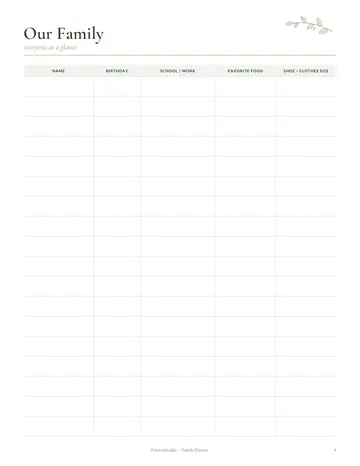
If you move abroad or share planners with family in another country, simply switch files. A family in the United States can print the US Letter version of a Family Planner, while grandparents in Pakistan print the A4 version of the same planner, and the pages will look the same.
The same applies to students studying abroad. A Student Planner printed on local paper fits local binders and notebooks, which makes it easier to keep everything together.
What about the digital version?
Most FolarraStudio planners also include a digital PDF with clickable tabs, made for tablets and PDF annotation apps. The digital version is designed for screens rather than paper, so it does not need to match a paper size. If you plan to write by hand on a tablet, choose the digital file. If you plan to print, choose A4 or US Letter. Our guide to using a digital PDF planner on a tablet explains how to get started.
How does the choice work for one family in two countries?
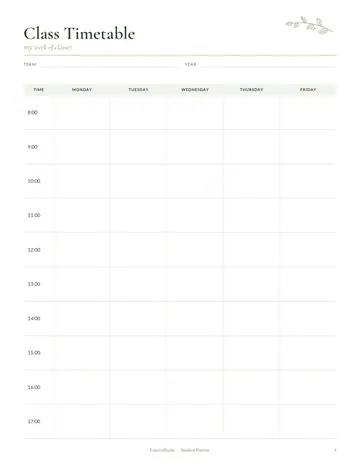
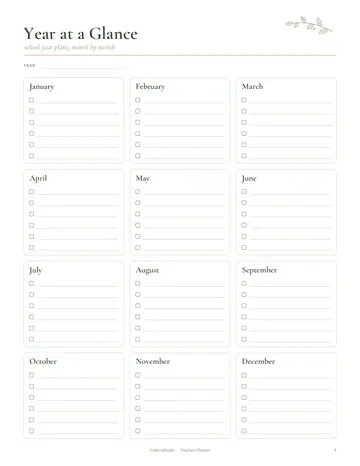
Here is how the choice plays out for a typical household. Imagine a mother in Toronto who wants a Weekly Planner for herself and a Student Planner for her daughter, who is starting university in Manchester in September.
At home in Canada
- She checks the paper packet next to her printer. It says "Letter, 8.5 x 11 in", so she downloads the US Letter file.
- She opens the PDF in her usual reader, chooses "Actual size", and prints the first weekly spread as a test page.
- The margins are even on all four sides and the lines reach the edges of the design exactly as intended, so she prints four more weeks.
- The pages go into the three-ring binder she already owns, and they sit flush with its edges.
At university in England
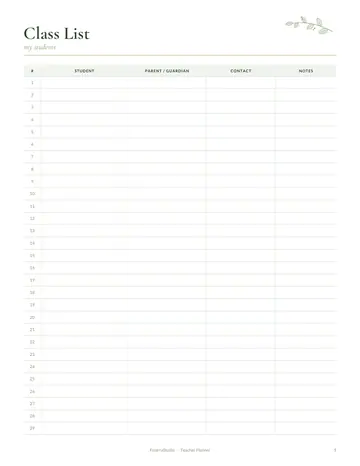
Her daughter takes the same student planner with her, but she does not carry printed pages in her suitcase. Instead, she downloads the A4 file once she arrives, because the printers in her residence hall are loaded with A4 paper. She prints the semester overview and the first month of weekly pages, punches them with a two-hole punch from the campus shop, and keeps them in a local A4 ring binder.
What would have gone wrong with the wrong file
If the daughter had printed the US Letter file on A4 paper with "Fit to page" switched on, the printer would have shrunk the page slightly to fit the narrower sheet. She would have ended up with a wider white strip at the top and bottom and a little less space in each box. If she had printed at actual size instead, the right edge of each page could have been clipped. Using the matching file avoids both problems.
The takeaway from the example
The planner is identical in both countries; only the file changes. When you download, think about where the pages will be printed, not where you live. If you print in more than one place, keep both files saved in the same folder, named clearly, so you can pick the right one in seconds.
Quick checklist
- Check your paper packet for "A4" or "Letter".
- Download the planner file with the same name.
- Open it in a PDF reader and choose "Actual size" or 100% scaling.
- Make sure the paper size in the print dialog matches.
- Print one test page before printing a whole month.
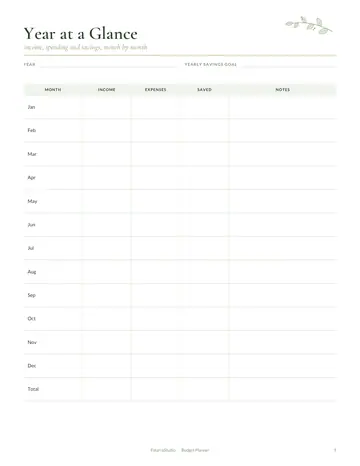
That is all there is to it. Once you know which paper you have, choosing a planner file takes a second, and every page prints exactly as it should. If you are ready to start, a simple Daily Planner or Budget Planner is a lovely first project.
A4 vs US Letter: your questions
Can I print an A4 planner on US Letter paper?
Yes, you can print an A4 planner on US Letter paper, but the page will be shrunk or slightly cut off. A4 is taller than Letter, so the printer must scale it down to fit, which leaves uneven margins and smaller writing space. For the cleanest result, download the US Letter file instead; every FolarraStudio planner includes both.
Is A4 bigger than US Letter?
A4 is taller than US Letter but slightly narrower. A4 measures 210 x 297 mm, while US Letter measures 215.9 x 279.4 mm. That makes A4 about 18 mm, or three-quarters of an inch, taller and about 6 mm narrower. In total area the two sizes are almost the same, which is why they are easy to confuse.
Which paper size does my printer use?
Your printer uses the paper loaded in its tray, so check the paper packet: it says A4 or Letter (8.5 x 11). Most printers sold in the US and Canada default to Letter, and most sold elsewhere default to A4. The print dialog also shows the current paper size.
Will an A4 planner fit in a US binder?
Yes, an A4 page fits most US three-ring binders, but it sticks out a little at the top because A4 is taller than Letter. If you want pages that line up neatly with the binder edge, print the US Letter version and punch the holes at the usual Letter spacing.
Read next: How to Print Planner Pages at Home and How to Use a Digital PDF Planner on a Tablet.
Sources and further reading