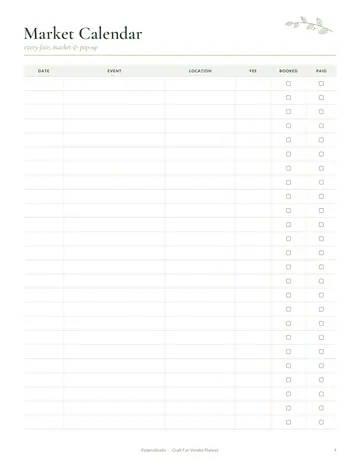
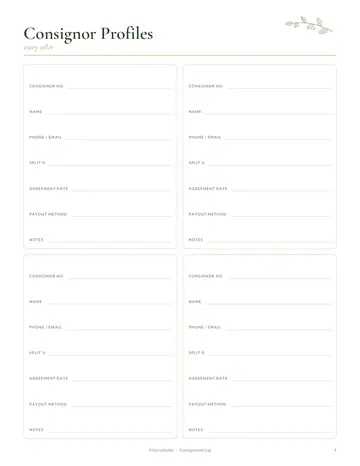
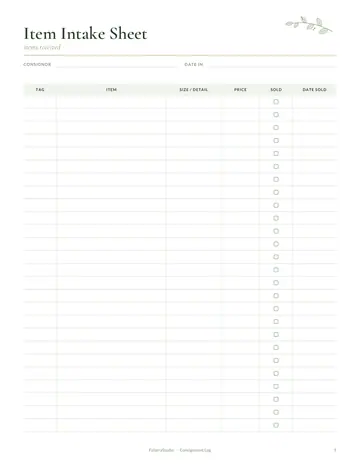
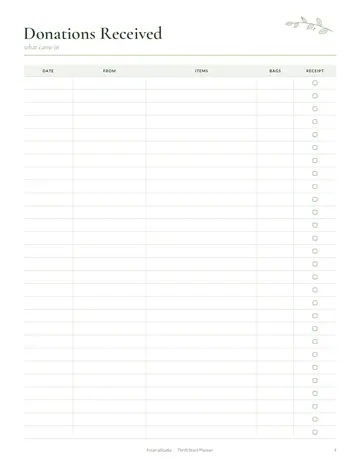
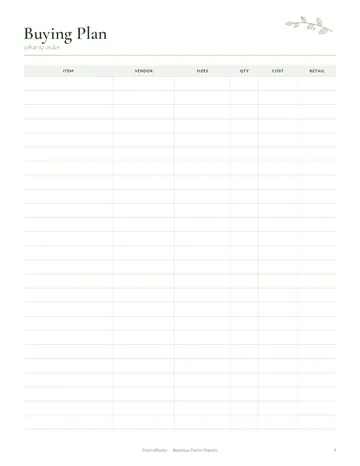
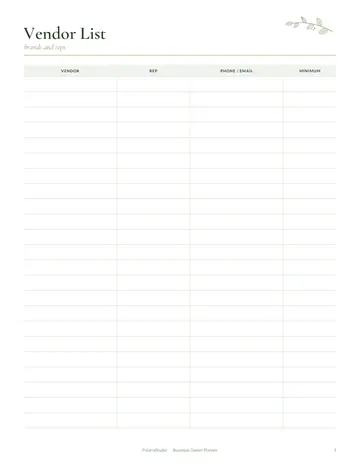
What's inside the dry cleaner order log
- Order Log
- Claim Tickets
- Garment Count
- Alterations
- Stain & Damage Notes
- Unclaimed Items
- Income & Expenses
- Notes
See every page
All 12 pages of the US Letter version, exactly as they print. Tap a page to see it larger.
- 1. Cover
- 2. This Log Belongs To
- 3. Contents
- 4. Order Log
- 5. Claim Tickets
- 6. Garment Count
- 7. Alterations
- 8. Stain & Damage Notes
- 9. Unclaimed Items
- 10. Income & Expenses
- 11. Notes
- 12. Thank you page
Who this dry cleaner order log is for
This log is for dry cleaners and garment care shops handling cleaning, pressing and alterations. It suits independent shops and drop-off points. Every garment needs to go back to the right customer, cleaned as promised, so clear orders, claim tickets and stain notes are essential. It also helps shops that offer pickup and delivery, since each order is tracked from collection to return.
How to use your dry cleaner order log
Log each order with the customer, items and due date, and give a numbered claim ticket. List items with notes on fabric and condition. Record alterations and stains with treatment notes. Track unclaimed items and follow up. Record income and expenses. Tell customers about stains you cannot promise to remove before you begin. Review the unclaimed page monthly and send friendly reminders before items are donated.
Formats included
A4 PDF
For printing in most of the world (210 × 297 mm).
US Letter PDF
For printing in the US and Canada (8.5 × 11 in).
Digital PDF
Hyperlinked tabs for tablets and PDF annotation apps.
Ready to start?
Free downloadDry Cleaner Order Log questions
Are claim tickets included?
Yes. Look for the "Claim Tickets" page in the 12-page dry cleaner order log. Every page is undated, so you can start any day and reprint a page whenever it fills up. Download it free, print only the pages you need and add more copies of any page later.
Can I record stains?
Yes. Look for the "Stain & Damage Notes" page in the 12-page dry cleaner order log. Every page is undated, so you can start any day and reprint a page whenever it fills up. Download it free, print only the pages you need and add more copies of any page later.
Does it track unclaimed items?
Yes. Look for the "Unclaimed Items" page in the 12-page dry cleaner order log. Download it free, print only the pages you need and add more copies of any page later. Print the A4 or US Letter PDF as often as you need, or write in the digital version on a tablet.
Is the Dry Cleaner Order Log really free?
Yes, the Dry Cleaner Order Log is completely free for personal use. Download the 12-page PDF without an account or email address, print it at home as often as you like and share the page link with friends. FolarraStudio is free to use. In the future, a few clearly labeled ads may help keep it free.
What size is the Dry Cleaner Order Log?
The Dry Cleaner Order Log comes in A4 (210 x 297 mm) and US Letter (8.5 x 11 inches), plus a hyperlinked digital PDF for tablets. Choose the file that matches the paper in your printer and print at Actual size or 100%, so nothing is cut off. Both paper sizes have the same 12 pages.