What's inside the photography client planner
- Session Bookings
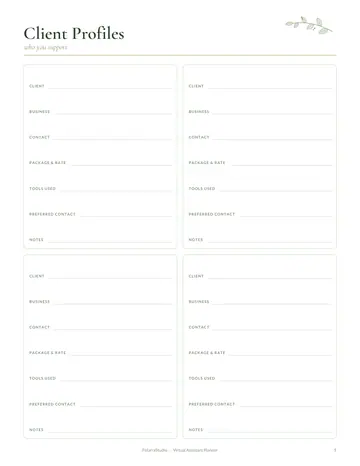
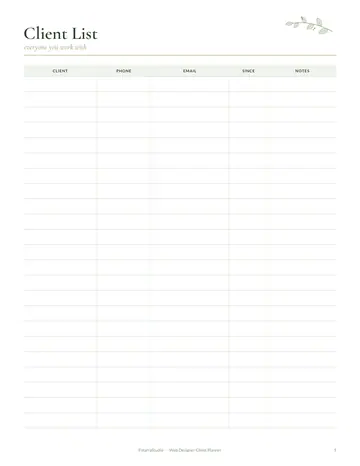
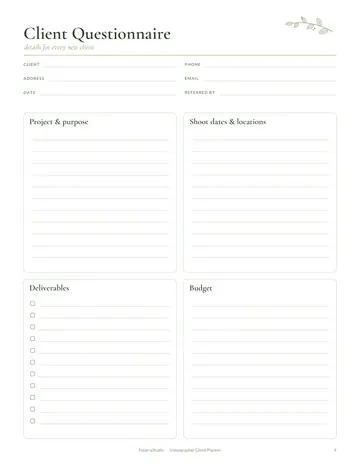
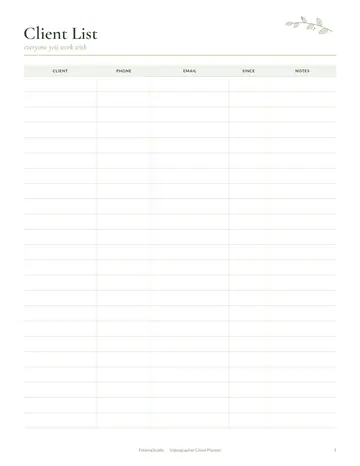
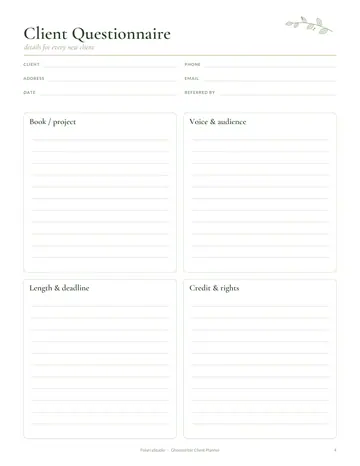
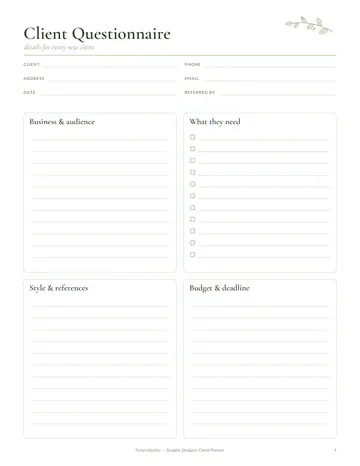
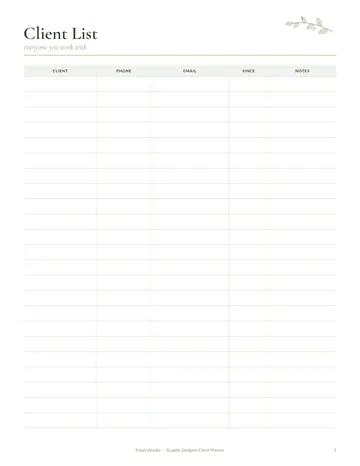
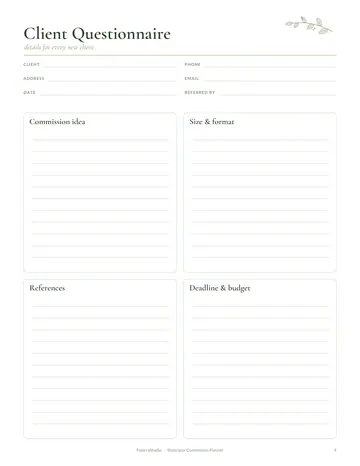
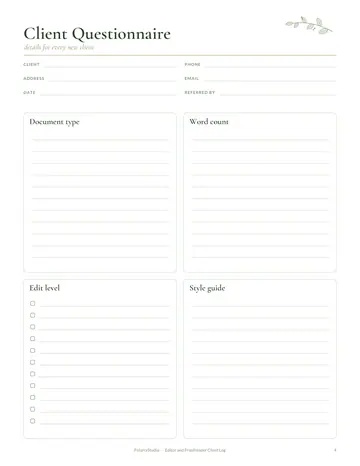
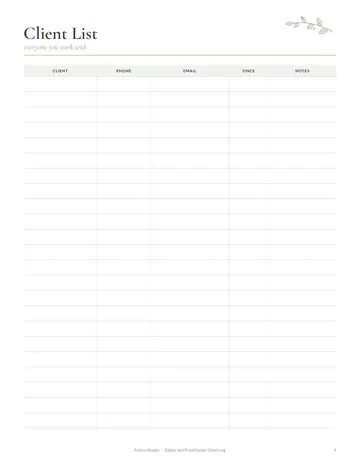
- Client Profiles
- Client Workflow
- Session Planner
- Shot List
- Editing Tracker
- Invoice & Payment Tracker
- Gear Inventory
- Location Scouting
- Notes
See every page
All 14 pages of the US Letter version, exactly as they print. Tap a page to see it larger.
- 1. Cover
- 2. This Planner Belongs To
- 3. Contents
- 4. Session Bookings
- 5. Client Profiles
- 6. Client Workflow
- 7. Session Planner
- 8. Shot List
- 9. Editing Tracker
- 10. Invoice & Payment Tracker
- 11. Gear Inventory
- 12. Location Scouting
- 13. Notes
- 14. Thank you page
Who this photography client planner is for
This planner is for photographers shooting portraits, families, weddings, newborns, brands and events. It suits new photographers booking their first paid sessions and busy professionals who need a smooth client workflow from enquiry to gallery delivery. Clients remember how organized you were as much as the photos themselves, so clear bookings, shot lists and editing deadlines help every session feel professional.
How to use your photography client planner
Record each booking with the date, location, package and deposit, and keep client profiles with names, preferences and important details. Follow the client workflow page from enquiry to contract, session, editing and delivery. Plan each session with timing, outfits and props, and write a shot list so key moments are never missed. Track editing progress and delivery dates. Send invoices on time, keep a gear inventory with serial numbers, and scout locations with light and parking notes.
Formats included
A4 PDF
For printing in most of the world (210 × 297 mm).
US Letter PDF
For printing in the US and Canada (8.5 × 11 in).
Digital PDF
Hyperlinked tabs for tablets and PDF annotation apps.
Ready to start?
Free downloadPhotography Client Planner questions
Is there a shot list?
Yes. Look for the "Shot List" page in the 14-page photography client planner. Download it free, print only the pages you need and add more copies of any page later. Print the A4 or US Letter PDF as often as you need, or write in the digital version on a tablet.
Can I track editing deadlines?
Yes. Use the editing tracker. Look for the "Editing Tracker" page in the 14-page photography client planner. Download it free, print only the pages you need and add more copies of any page later. Print the A4 or US Letter PDF as often as you need, or write in the digital version on a tablet.
Does it include a gear inventory?
Yes. Look for the "Gear Inventory" page in the 14-page photography client planner. Download it free, print only the pages you need and add more copies of any page later. Print the A4 or US Letter PDF as often as you need, or write in the digital version on a tablet.
Is the Photography Client Planner really free?
Yes, the Photography Client Planner is completely free for personal use. Download the 14-page PDF without an account or email address, print it at home as often as you like and share the page link with friends. FolarraStudio is free to use. In the future, a few clearly labeled ads may help keep it free.
What size is the Photography Client Planner?
The Photography Client Planner comes in A4 (210 x 297 mm) and US Letter (8.5 x 11 inches), plus a hyperlinked digital PDF for tablets. Choose the file that matches the paper in your printer and print at Actual size or 100%, so nothing is cut off. Both paper sizes have the same 14 pages.