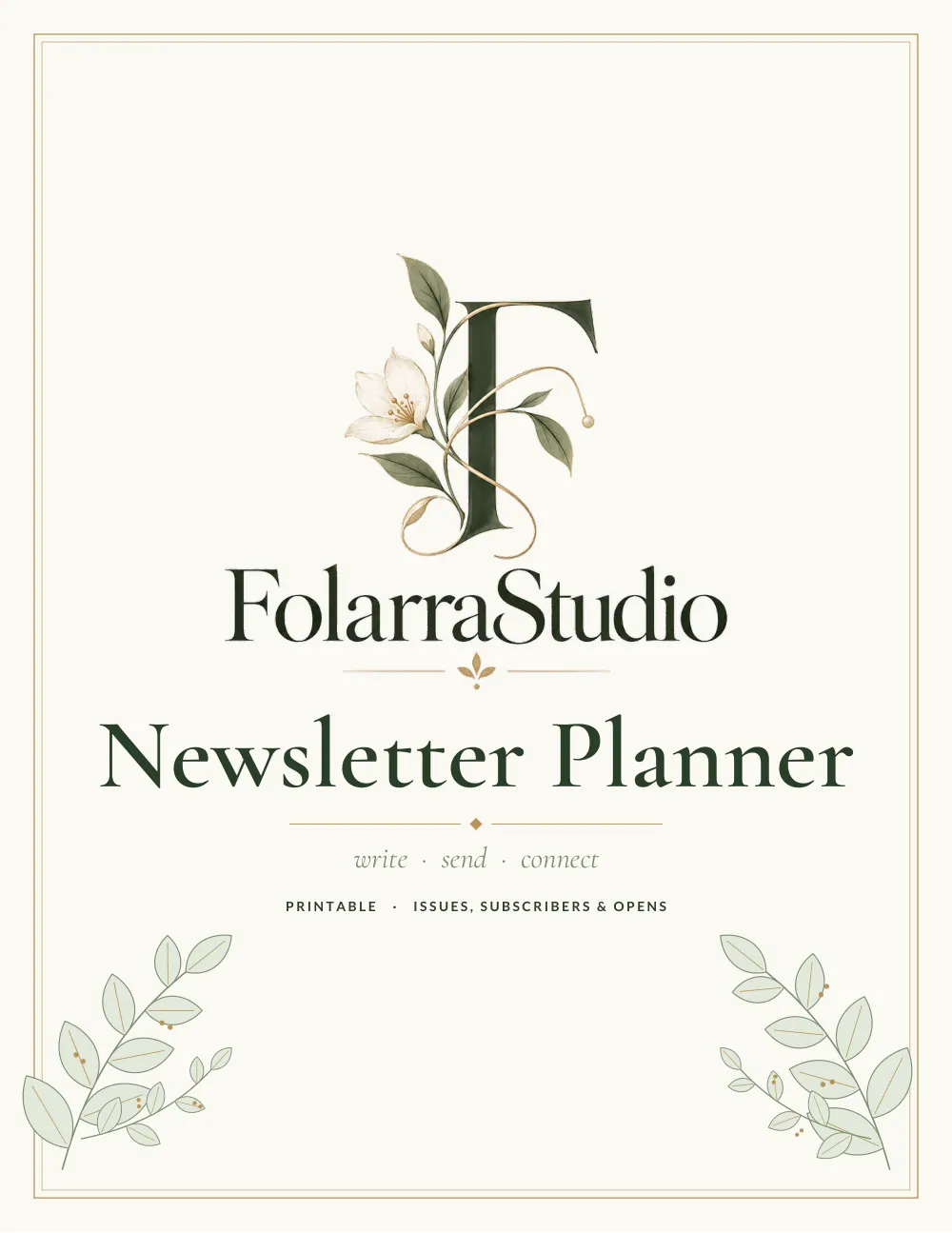
What's inside the newsletter planner
- Newsletter Plan
- Issue Planner
- Send Calendar
- Subject Line Bank
- Content Ideas
- List Growth Ideas
- List Stats
- Notes
See every page
All 12 pages of the US Letter version, exactly as they print. Tap a page to see it larger.
- 1. Cover
- 2. This Planner Belongs To
- 3. Contents
- 4. Newsletter Plan
- 5. Issue Planner
- 6. Send Calendar
- 7. Subject Line Bank
- 8. Content Ideas
- 9. List Growth Ideas
- 10. List Stats
- 11. Notes
- 12. Thank you page
Who this newsletter planner is for
This planner is for writers, creators and businesses sending email newsletters. It suits people starting a list and those wanting to send more consistently. It helps you plan issues, write better subject lines and grow your list. It also suits small business owners who want to stay in touch with customers between sales.
How to use your newsletter planner
Define your newsletter's purpose on the plan page. Plan each issue on the issue planner and schedule sends. Brainstorm subject lines and content ideas. Track list growth and record stats such as opens and clicks. Choose a regular send day and stick to it, since consistency builds trust. Test different subject lines and note which ones get the best open rates. Review list growth each month and try simple ways to invite new readers, such as a sign-up link in your email signature or shop.
Formats included
A4 PDF
For printing in most of the world (210 × 297 mm).
US Letter PDF
For printing in the US and Canada (8.5 × 11 in).
Digital PDF
Hyperlinked tabs for tablets and PDF annotation apps.
Ready to start?
Free downloadNewsletter Planner questions
Does it help with subject lines?
Yes. There is a subject line page. Look for the "Subject Line Bank" page in the 12-page newsletter planner. Print the A4 or US Letter PDF as often as you need, or write in the digital version on a tablet.
Can I track list growth?
Yes. Look for the "List Growth Ideas" page in the 12-page newsletter planner. Every page is undated, so you can start any day and reprint a page whenever it fills up. Download it free, print only the pages you need and add more copies of any page later.
Is it for businesses or creators?
Both. Other pages in the 12-page newsletter planner include "Newsletter Plan", "Issue Planner" and "Send Calendar", so related notes stay together. Every page is undated, so you can start any day and reprint a page whenever it fills up. Download it free, print only the pages you need and add more copies of any page later.
Is the Newsletter Planner really free?
Yes, the Newsletter Planner is completely free for personal use. Download the 12-page PDF without an account or email address, print it at home as often as you like and share the page link with friends. FolarraStudio is free to use. In the future, a few clearly labeled ads may help keep it free.
What size is the Newsletter Planner?
The Newsletter Planner comes in A4 (210 x 297 mm) and US Letter (8.5 x 11 inches), plus a hyperlinked digital PDF for tablets. Choose the file that matches the paper in your printer and print at Actual size or 100%, so nothing is cut off. Both paper sizes have the same 12 pages.