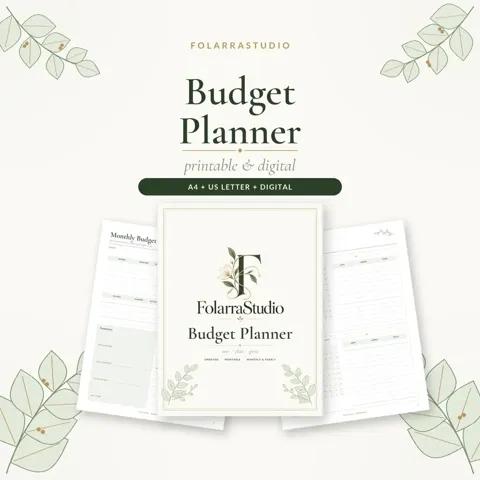
Download the free Budget Planner
17 pages · choose the format you need
US or Canada → US Letter · Everywhere else → A4 · Tablet → Digital
If the PDF opens in your browser, use the download or share icon in the viewer to save it.
Add your name to the cover optional
We write your name in our Cormorant script on the cover, right here in your browser. Nothing is uploaded, and the plain downloads above stay one click.

Get the free FolarraStudio app
Add FolarraStudio to your phone, tablet or computer. It opens full screen from your home screen in one tap, with your favorite planners saved, so the next planner is always close. Free, no app store and no sign-up.
To install, open this page in Chrome, Edge or Samsung Internet and choose Install app or Add to Home screen from the browser menu. On iPhone or iPad, use Safari: tap Share, then Add to Home Screen.
A look inside
-
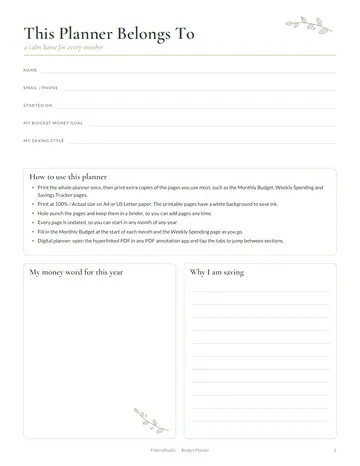 This Planner Belongs To
-
 Financial Goals
-
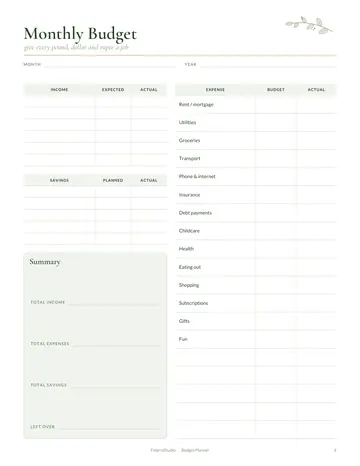 Monthly Budget
-
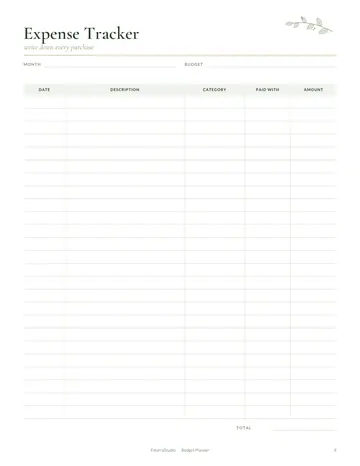 Expense Tracker
-
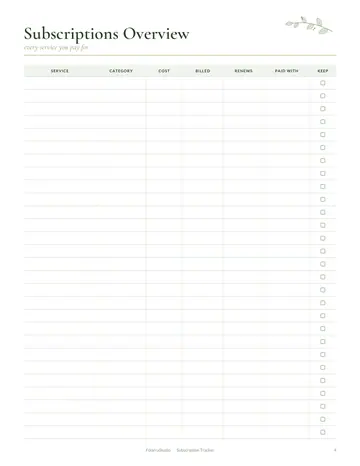
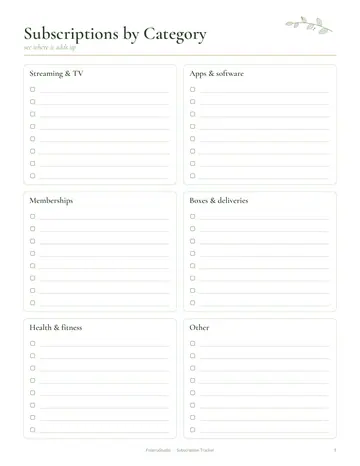
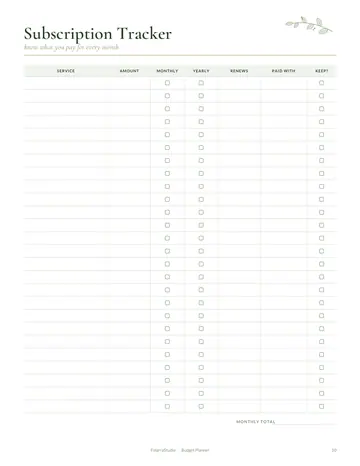 Subscription Tracker
-
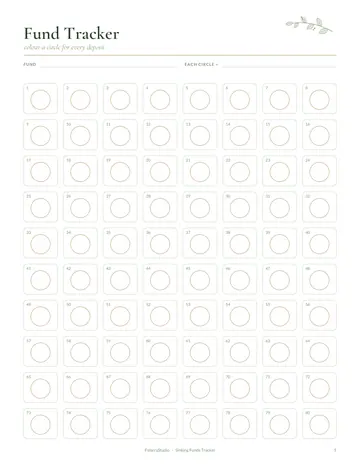
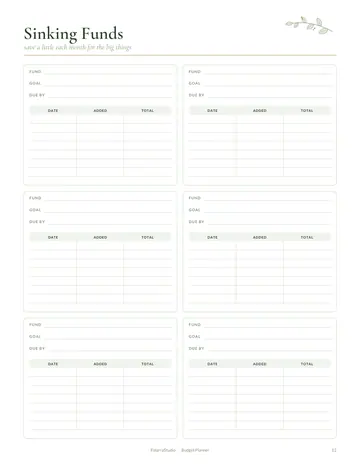 Sinking Funds
What's inside
- Financial Goals
- Year at a Glance
- Monthly Budget
- Weekly Spending
- Expense Tracker
- Bill Tracker
- Subscription Tracker
- Savings Tracker
- Sinking Funds
- Debt Payoff Tracker
- No-Spend Challenge
- Net Worth Tracker
- Notes
Getting started
Write your financial goals, then map the year at a glance. Each month, fill in the monthly budget with income and planned spending, and record purchases on the weekly spending and expense tracker pages. Tick off payments on the bill tracker and list subscriptions to spot ones to cancel.
Printing tips
- Print at 100% or "Actual size" so nothing gets cut off.
- Choose A4 in Europe, Asia and Australia, and US Letter in the US and Canada.
- Slightly heavier paper (100–120 gsm or 28–32 lb) feels lovely and stops ink showing through.
- Print only the pages you need, and reprint your favorites as often as you like.
- Save the PDF in a folder on your computer, so a fresh copy is always ready for next month.
- For the digital PDF, open it in your favorite PDF annotation app and tap the tabs to jump between sections.
Questions
Which file should I download?
Choose A4 if your printer paper is A4 (most of the world) and US Letter if you are in the US or Canada. Choose the digital PDF to write on a tablet with clickable tabs.
The PDF opened in my browser. How do I save it?
Use the download or share icon in your browser's PDF viewer to save the file to your device, then print it or open it in your favorite app.
Can I put my own name on the cover?
Yes. Type your name in the Add your name to the cover box above and press Download with my name. It is written right in your browser and nothing is uploaded.