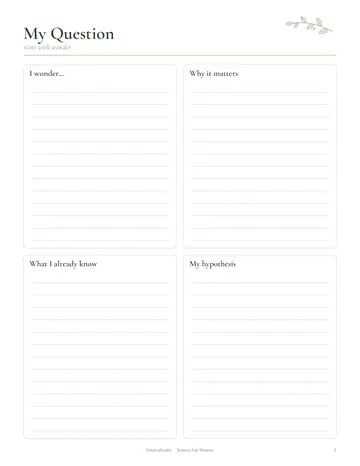
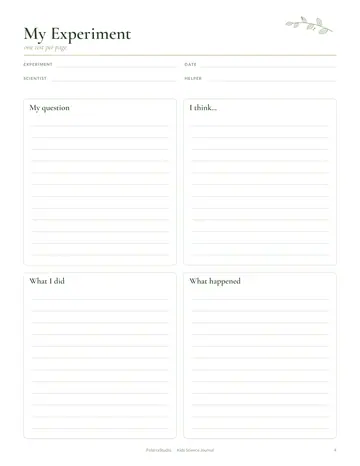
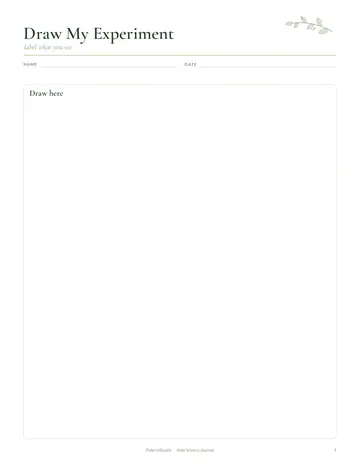
What's inside the interactive science notebook
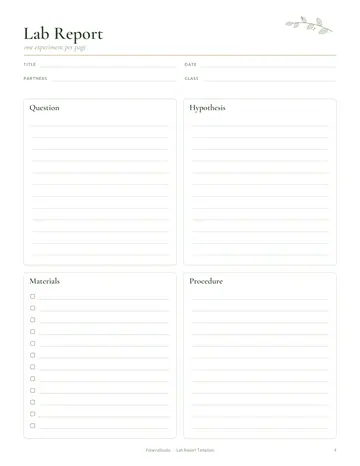
- Experiment Page
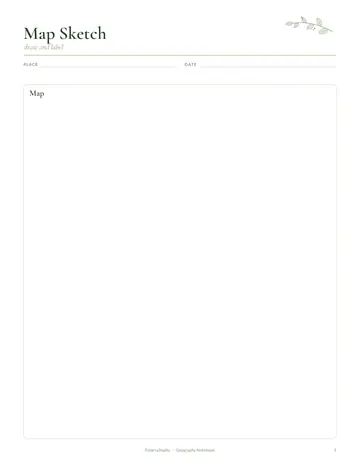
- Observation Sketch
- Data Table
- Science Vocabulary
- Wonder Wall
- Notes
See every page
All 11 pages of the US Letter version, exactly as they print. Tap a page to see it larger.
- 1. Cover
- 2. This Notebook Belongs To
- 3. Contents
- 4. Table of Contents
- 5. Experiment Page
- 6. Observation Sketch
- 7. Data Table
- 8. Science Vocabulary
- 9. Wonder Wall
- 10. Notes
- 11. Thank you page
Who this interactive science notebook is for
This notebook is for upper elementary and middle school students who learn best by doing. It suits homeschool science, classroom notebooks and hands-on learners who like to draw and label. It keeps experiments, observations and new words together so science feels connected instead of scattered.
How to use your interactive science notebook
Number every page and add it to the table of contents as you go. Use an experiment page for each investigation, writing the question, steps and result. Sketch what you see on the observation pages and record measurements in the data tables. Add key terms and definitions to the vocabulary pages. Pin questions you want to explore later on the wonder page. At the end of each unit, flip back through your pages and write a short summary of the big ideas you learned.
Formats included
A4 PDF
For printing in most of the world (210 × 297 mm).
US Letter PDF
For printing in the US and Canada (8.5 × 11 in).
Digital PDF
Hyperlinked tabs for tablets and PDF annotation apps.
Ready to start?
Free downloadInteractive Science Notebook questions
What age is it for?
It suits children from about third to eighth grade. Other pages in the 11-page interactive science notebook include "Experiment Page", "Observation Sketch" and "Data Table", so related notes stay together. Every page is undated, so you can start any day and reprint a page whenever it fills up.
Can it be used with any science program?
Yes. It works alongside any science curriculum or on its own. Other pages in the 11-page interactive science notebook include "Experiment Page", "Observation Sketch" and "Data Table", so related notes stay together. Every page is undated, so you can start any day and reprint a page whenever it fills up.
Can I print extra experiment pages?
Yes. Print as many as your science year needs. Look for the "Experiment Page" page in the 11-page interactive science notebook. Every page is undated, so you can start any day and reprint a page whenever it fills up. Download it free, print only the pages you need and add more copies of any page later.
Is the Interactive Science Notebook really free?
Yes, the Interactive Science Notebook is completely free for personal use. Download the 11-page PDF without an account or email address, print it at home as often as you like and share the page link with friends. FolarraStudio is free to use. In the future, a few clearly labeled ads may help keep it free.
What size is the Interactive Science Notebook?
The Interactive Science Notebook comes in A4 (210 x 297 mm) and US Letter (8.5 x 11 inches), plus a hyperlinked digital PDF for tablets. Choose the file that matches the paper in your printer and print at Actual size or 100%, so nothing is cut off. Both paper sizes have the same 11 pages.