
What's inside the 2027 content calendar
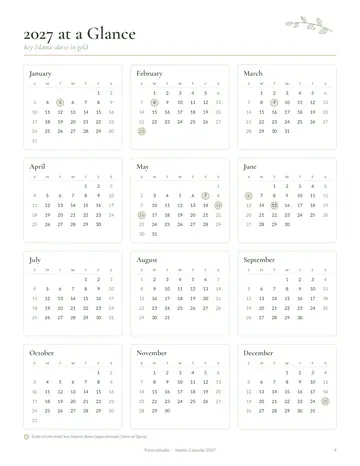
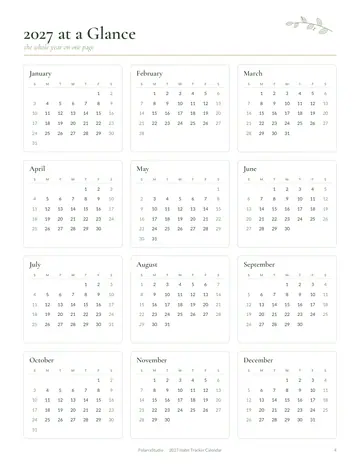
- 2027 at a Glance
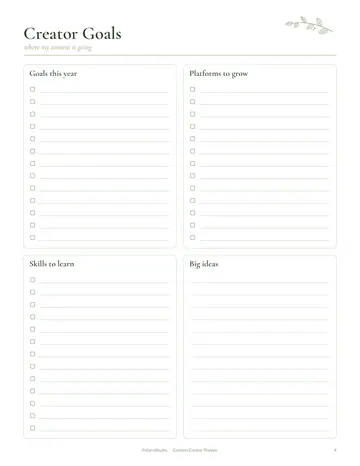
- Content Ideas
- Post Tracker
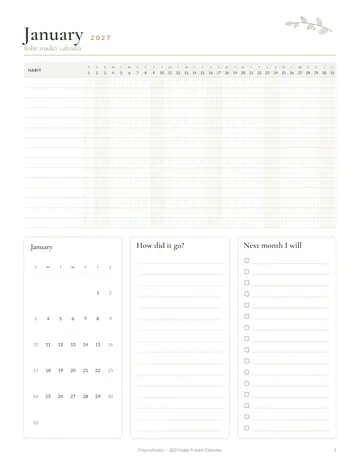
- January
- February
- March
- April
- May
- June
- July
- August
- September
- October
- November
- December
- Notes
See every page
All 20 pages of the US Letter version, exactly as they print. Tap a page to see it larger.
- 1. Cover
- 2. This Calendar Belongs To
- 3. Contents
- 4. 2027 at a Glance
- 5. Content Ideas
- 6. Post Tracker
- 7. January
- 8. February
- 9. March
- 10. April
- 11. May
- 12. June
- 13. July
- 14. August
- 15. September
- 16. October
- 17. November
- 18. December
- 19. Notes
- 20. Thank you page
Who this 2027 content calendar is for
This content calendar is for creators and small business owners planning a year of posts. Every 2027 day has boxes for blog, social, email and video, so it suits bloggers, shop owners and anyone sharing regular updates with an audience.
How to use your 2027 content calendar
Collect ideas on the content ideas page as they come. At the start of each month, set a theme, mark launches and sales, and plan posts in the day boxes for each channel. Record what you publish in the post tracker, and look back at it to repeat the content that worked best.
Formats included
US Letter PDF · Sunday start
Sunday start, for printing in the US and Canada (8.5 × 11 in).
A4 PDF · Monday start
Monday start, for printing in most of the world (210 × 297 mm).
US Letter PDF · Monday start
Monday start, for printing in the US and Canada (8.5 × 11 in).
A4 PDF · Sunday start
Sunday start, for printing in most of the world (210 × 297 mm).
Ready to start?
Free download2027 Content Calendar questions
Which channels can I plan?
Blog, social, email and video each have a box on every day. Other pages in the 20-page 2027 content calendar include "2027 at a Glance", "Content Ideas" and "Post Tracker", so related notes stay together. Download it free, print only the pages you need and add more copies of any page later.
Is there an ideas page?
Yes. A content ideas bank is included. Look for the "Content Ideas" page in the 20-page 2027 content calendar. Download it free, print only the pages you need and add more copies of any page later. Print the A4 or US Letter PDF as often as you need.
Can I track what I post?
Yes. Use the post tracker page. Look for the "Post Tracker" page in the 20-page 2027 content calendar. Download it free, print only the pages you need and add more copies of any page later. Print the A4 or US Letter PDF as often as you need.
Is the 2027 Content Calendar really free?
Yes, the 2027 Content Calendar is completely free for personal use. Download the 20-page PDF without an account or email address, print it at home as often as you like and share the page link with friends. FolarraStudio is free to use. In the future, a few clearly labeled ads may help keep it free.
What size is the 2027 Content Calendar?
The 2027 Content Calendar comes in A4 (210 x 297 mm) and US Letter (8.5 x 11 inches), each with a Monday-start and a Sunday-start version. Choose the file that matches the paper in your printer and print at Actual size or 100%, so nothing is cut off. Both paper sizes have the same 20 pages.